The moment a user realizes a critical photo, an essential document, or a cherished video has vanished from their smartphone is often accompanied by a surge of panic. The term “permanently deleted” carries a heavy weight in the digital lexicon, suggesting a point of no return where data is lost to the ether forever. However, the technical reality of how smartphones manage storage tells a more nuanced story. While modern mobile operating systems have become increasingly sophisticated in managing data erasure to protect user privacy and optimize performance, the window for recovery is not always immediately sealed. Understanding the mechanics of flash memory, the behavior of operating systems like Android and iOS, and the specific tools available for data retrieval is essential for anyone facing this digital crisis. This guide explores the intricate process of attempting to restore files that appear to be gone forever, grounding the advice in technical facts and observable data patterns rather than wishful thinking.
The Mechanics of Deletion: Why “Permanent” Isn’t Always Immediate
To grasp the possibility of recovery, one must first understand what happens when a file is deleted on a smartphone. Unlike the physical destruction of a paper document, deleting a digital file does not instantly scrub the magnetic or electronic charges representing that data from the storage chip. When a user deletes a file, the operating system typically removes the reference to that file from the file system table, marking the space it occupied as “available” for new data. The actual binary data remains physically present on the NAND flash memory until the system overwrites it with new information. This distinction is the cornerstone of all data recovery efforts.
On Android devices, the file system, often using formats like F2FS or EXT4, manages these pointers efficiently. When a file is removed from the gallery or file manager, the inode (a data structure storing file attributes) is deallocated, but the data blocks remain intact. This is why specialized software can sometimes scan the raw storage sectors and reconstruct files based on known file signatures, a process known as file carving. However, the efficacy of this method depends entirely on whether those specific blocks have been overwritten. If a user continues to use the phone immediately after deletion—taking new photos, installing apps, or browsing the web—the likelihood of overwriting the “deleted” data increases exponentially with every write operation.
Apple’s iOS operates on a similar principle but with stricter sandboxing and encryption protocols. The Apple File System (APFS), introduced in iOS 10.3, is optimized for flash storage and includes features like copy-on-write metadata and space sharing. When a file is deleted in iOS, the system marks the space as free, but the encryption keys associated with that data may be discarded more aggressively depending on the device’s security settings. This makes recovery on iOS generally more challenging than on Android, yet not impossible if the device has not undergone a full wipe or significant data writing since the deletion. Experts in digital forensics often rely on the fact that flash memory wear leveling algorithms can sometimes delay the immediate overwriting of specific blocks, leaving a temporary window for recovery tools to access residual data.
The concept of “permanent” deletion is further complicated by the presence of cloud synchronization. In many modern ecosystems, deleting a file from the local device triggers a sync command that removes it from the cloud backup as well. However, most major cloud providers, including Google Drive and iCloud, maintain a “Recently Deleted” folder for a specific period, usually 30 days. This safety net is often the first and most reliable line of defense before any third-party software is considered. If a file has been purged from this secondary trash bin, the scenario shifts from a simple restoration to a complex forensic recovery operation.
Immediate Actions: Preserving the Potential for Recovery
The single most critical factor influencing the success rate of data recovery is the user’s behavior immediately following the data loss. Once a file is identified as missing, the device must be treated as a crime scene where evidence is fragile. The primary rule is to cease all write operations to the device’s internal storage. Every new text message, email, app update, or photo taken writes new data to the flash memory, potentially overwriting the sectors where the deleted files reside. This is not merely a precaution; it is a technical necessity. Studies in data forensics consistently show that the volume of new data written to a drive is inversely proportional to the probability of successful recovery.
Putting the smartphone into Airplane Mode is a practical first step. This action disables Wi-Fi, Bluetooth, and cellular data, preventing background processes from syncing data, downloading updates, or receiving messages that could write to the storage. For Android users, enabling USB Debugging might be necessary for certain recovery tools to access deeper levels of the file system, but this should only be done if the user intends to connect the device to a computer immediately. For iOS devices, trusting a new computer prompts a handshake that could theoretically trigger a sync, so caution is advised when connecting to a PC or Mac.
Powering down the device is another debated but often recommended strategy. While turning off the phone stops most background processes, the act of booting up again can generate significant system logs and temporary files. If the phone is left on in Airplane Mode, the risk of accidental interaction remains. However, if the battery is low, shutting down is preferable to the risk of an unexpected power loss causing file system corruption. The goal is to maintain the state of the storage exactly as it was at the moment of deletion. Users should avoid installing recovery apps directly onto the phone’s internal storage, as the installation process itself writes data. Instead, recovery software should be installed on a separate computer, and the phone should be connected via USB for scanning.
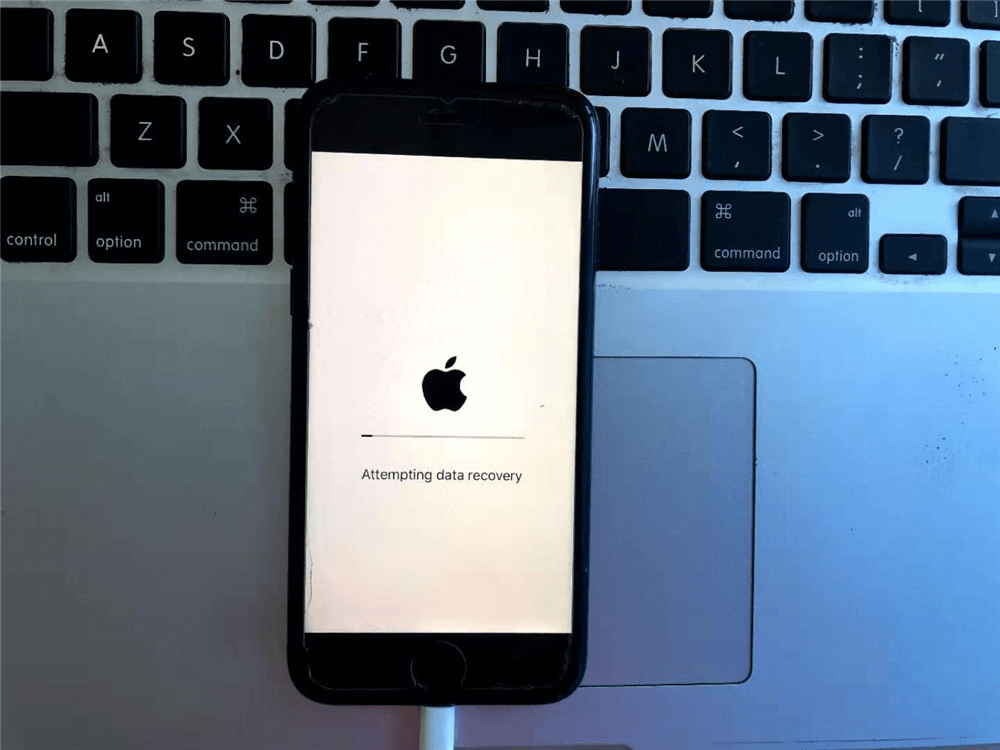
Another often-overlooked aspect is checking local backups that may have occurred automatically before the deletion. Many users have local iTunes or Finder backups on their computers that predate the data loss. Restoring from such a backup will revert the phone to that previous state, recovering the deleted files but also losing any data created between the backup time and the present. This trade-off requires careful consideration. Similarly, Android users might find that their device manufacturer, such as Samsung with its Smart Switch ecosystem, has created a local backup on an SD card or computer without the user’s explicit recollection.
Software Solutions: Navigating the Landscape of Recovery Tools
When cloud backups and trash bins yield no results, third-party recovery software becomes the next logical avenue. The market is saturated with tools claiming to recover “permanently” deleted files, but their effectiveness varies wildly based on the device type, operating system version, and whether the device is rooted or jailbroken. It is crucial to approach these tools with a critical eye, understanding that no software can magically reconstruct data that has been overwritten. Legitimate recovery tools function by scanning the raw storage for file headers and footers, attempting to piece together fragmented data.
For Android devices, the distinction between rooted and non-rooted access is paramount. Without root privileges, third-party apps are sandboxed and cannot access the deep system partitions where deleted data remnants might linger. Tools like DiskDigger offer a basic scan for non-rooted devices, which can often recover thumbnails or lower-resolution versions of photos cached by the system. However, for a deep scan capable of retrieving original full-resolution files, root access is typically required. Rooting a phone involves unlocking the bootloader and gaining superuser permissions, a process that carries risks such as voiding warranties or bricking the device. Furthermore, modern Android versions have made rooting increasingly difficult due to enhanced security measures like Verified Boot.
On the iOS side, the situation is different due to Apple’s closed ecosystem. Jailbreaking, the iOS equivalent of rooting, is less common and often unstable on newer iOS versions. Consequently, most reputable iOS recovery tools, such as those offered by established forensic companies, operate by scanning existing iTunes or iCloud backups rather than the device directly. Some advanced tools claim to scan the device directly via USB, leveraging potential vulnerabilities or unencrypted areas of the file system, but their success is inconsistent across different iOS updates. The Electronic Frontier Foundation often highlights the security implications of such tools, noting that the same vulnerabilities allowing data recovery can be exploited by malicious actors.
When selecting a recovery tool, users should prioritize software from vendors with a transparent track record and clear privacy policies. Free versions of these tools often allow a preview of recoverable files before requiring payment, which is a vital feature to verify efficacy. It is advisable to look for tools that adhere to industry standards and have been reviewed by independent tech authorities. Be wary of software that demands excessive permissions or asks for personal information unrelated to the recovery process. The credibility of the software provider is a strong indicator of the tool’s reliability and safety.
Professional Data Recovery Services: When Software Falls Short
In scenarios where the data is of critical importance—such as legal evidence, irreplaceable family memories, or vital business records—and software solutions fail, professional data recovery services represent the final frontier. These services employ specialized hardware and cleanroom environments to handle devices that may have suffered physical damage or complex logical failures. While expensive, often costing hundreds or even thousands of dollars, professional labs possess capabilities far beyond consumer-grade software. They can perform chip-off recovery, where the NAND flash memory chips are physically desoldered from the motherboard and read directly using proprietary hardware programmers.
This level of intervention is particularly relevant for devices that are dead, water-damaged, or have corrupted file systems that prevent the operating system from booting. Professional technicians can bypass the phone’s controller to access the raw data on the memory chips. However, modern smartphones increasingly use encrypted storage where the decryption key is tied to the device’s unique hardware ID and the user’s passcode. In such cases, even chip-off recovery may yield only encrypted gibberish without the proper credentials. The National Institute of Standards and Technology provides guidelines on mobile device forensics that underscore the growing challenge posed by hardware-based encryption.
Choosing a professional service requires due diligence. Reputable labs operate with strict chain-of-custody protocols to ensure data integrity and confidentiality, which is essential for legal admissibility. They typically offer a “no data, no charge” policy, assessing the device for free and providing a quote only if recovery is deemed possible. Users should avoid mail-in services that lack transparency or physical security certifications. Local forensic firms often provide a more personalized assessment, allowing the user to observe the diagnostic process. It is important to recognize that even professionals cannot guarantee success, especially if the storage cells have been physically degraded or if the encryption keys are irretrievable.
The cost-benefit analysis of professional recovery is a personal decision. For a single photo, the expense may be prohibitive. For a dataset critical to a lawsuit or a business continuity plan, the investment is often justified. These experts also provide detailed reports on what was recovered and why certain files could not be retrieved, offering closure and technical insight that software tools cannot match. Their role is not just to recover data but to navigate the complex interplay of hardware limitations, encryption standards, and file system architectures.
Comparative Analysis of Recovery Methods
To provide a clear overview of the available options, the following table compares the efficacy, requirements, and risks associated with different recovery methods. This comparison helps in setting realistic expectations and choosing the most appropriate path forward.
| Recovery Method | Success Probability | Technical Requirement | Cost Implication | Risk Level | Best Use Case |
|---|---|---|---|---|---|
| Cloud Trash Bin | High (if within retention period) | Internet connection, Account access | Free | None | Recent deletions (last 30 days) |
| Local Backup Restore | High (if backup exists) | Computer, Backup file | Free (time cost) | Loss of recent data | Users with regular backup habits |
| Non-Rooted Android Apps | Low to Moderate | App installation, USB connection | Low to Moderate | Minimal | Recovering thumbnails/cached images |
| Rooted Android Deep Scan | Moderate to High | Root access, Technical knowledge | Moderate | Warranty void, Bricking | Critical data on older Android versions |
| iOS Backup Scanners | Moderate | Existing iTunes/iCloud backup | Moderate | Privacy concerns | Users who sync regularly |
| Professional Lab Services | Variable (Depends on damage) | Physical device shipment | High ($300 – $2000+) | Shipping loss, High cost | Physically damaged or encrypted devices |
| Chip-Off Forensics | Low to Moderate (Encryption dependent) | Specialized hardware, Cleanroom | Very High | Device destruction | Last resort for critical evidence |
This table illustrates that the “best” method is entirely context-dependent. A user who syncs daily to the cloud has a high probability of self-recovery, while a user with a non-backed-up, encrypted, and overwritten device faces slim odds regardless of the method chosen. The progression from free, low-risk methods to high-cost, high-risk professional services reflects the diminishing returns of data recovery as time passes and storage usage increases.
The Role of Encryption and Modern Security Protocols
A significant hurdle in modern data recovery is the ubiquitous adoption of full-disk encryption (FDE) and file-based encryption (FBE). In the past, deleted data remained in plain text on the storage medium until overwritten, making file carving highly effective. Today, smartphones encrypt data by default. When a file is deleted, the system may not only mark the space as free but also discard the specific encryption key associated with that file. Without the key, the residual data remaining on the flash chip is mathematically indistinguishable from random noise. This security feature, designed to protect user privacy from thieves and hackers, inadvertently acts as a formidable barrier to data recovery.
Android has enforced encryption by default since version 6.0 Marshmallow, and iOS has utilized hardware-backed encryption for over a decade. The encryption standards employed are robust, meaning that brute-forcing the keys is computationally infeasible. For recovery tools to work on encrypted devices, they often need to operate while the device is unlocked and the file system is mounted, allowing the tool to read data as the OS decrypts it on the fly. This limits the window of opportunity and requires the device to be functional and accessible. If the device is locked or the passcode is forgotten, recovery becomes nearly impossible without exploiting zero-day vulnerabilities, a realm reserved for high-level government forensics rather than commercial tools.
Furthermore, the TRIM command, supported by most modern flash storage, actively informs the storage controller which blocks are no longer in use and can be wiped internally. This process, intended to maintain the speed and longevity of the SSD, can permanently erase deleted data much faster than in the era of mechanical hard drives. On devices where TRIM is active and aggressive, the “deleted” data may be physically purged within minutes of deletion, rendering recovery attempts futile regardless of the software used. Understanding the specific behavior of the device’s storage controller and OS version is therefore critical in assessing the feasibility of recovery.
Preventative Measures and Future-Proofing Data
While the focus of this discussion is on recovery, the most effective strategy for data preservation is prevention. Relying on the hope of recovering permanently deleted files is a risky proposition given the advancements in storage technology and security. Implementing a robust backup strategy is the only guaranteed method to ensure data resilience. The “3-2-1” backup rule is a gold standard in data management: keep three copies of data, on two different media types, with one copy stored offsite. For smartphone users, this translates to keeping the original data on the phone, a local backup on a computer or NAS (Network Attached Storage), and a synchronized copy in a reputable cloud service.
Automating this process removes the human element of forgetfulness. Both iOS and Android offer built-in features to automate backups to iCloud and Google Photos respectively. Additionally, third-party services like Dropbox or OneDrive provide automatic camera upload features that create a secondary cloud copy independent of the manufacturer’s ecosystem. Regularly verifying these backups is also essential; a backup that cannot be restored is no backup at all. Users should periodically test restoring a file from their backup solution to ensure the integrity of the data and the accessibility of the account.
Education on file management habits also plays a role. Using cloud storage links for sharing large files instead of sending multiple copies reduces clutter and the risk of accidental deletion of the original. Being mindful of the “Recently Deleted” folders and emptying them only after a thorough review can prevent premature data loss. As storage capacities increase, the temptation to hoard data grows, but curating content and maintaining organized archives reduces the cognitive load and the likelihood of accidental mass deletions.
Frequently Asked Questions
Can permanently deleted files be recovered without a backup?
Recovery without a backup is possible but not guaranteed. It depends on whether the data blocks containing the file have been overwritten by new data. If the phone was used extensively after deletion, the chances drop significantly. Software tools can attempt to scan for residual data, but success is highly variable.
Does rooting an Android phone guarantee file recovery?
No. Rooting provides the necessary permissions for deep scanning, which increases the chances of recovery, but it does not guarantee success. If the data has been overwritten or if the TRIM command has already wiped the blocks, rooting will not bring the data back. Additionally, rooting carries the risk of damaging the device.
Is it possible to recover deleted photos from an iPhone without a computer?
Direct recovery on the iPhone itself without a computer is extremely limited due to iOS sandboxing. Most effective recovery methods involve connecting the iPhone to a computer to run specialized software that scans the device or analyzes existing backups. Apps claiming to recover data directly on the phone often have very limited functionality.
How long does it take for deleted data to be permanently overwritten?
There is no fixed timeline. It depends on the amount of new data written to the device. On a heavily used phone with little free space, overwriting can happen within minutes or hours. On a device with ample free space that is rarely used, deleted data might persist for days or weeks. The uncertainty is why immediate cessation of device usage is critical.
Are free data recovery tools safe to use?
Many free tools are safe and legitimate, offering basic scanning capabilities. However, users should be cautious of software that requests unnecessary permissions, contains malware, or demands payment upfront without showing a preview of recoverable files. It is advisable to download tools only from official vendor websites and check independent reviews.
What happens if I reset my phone to factory settings?
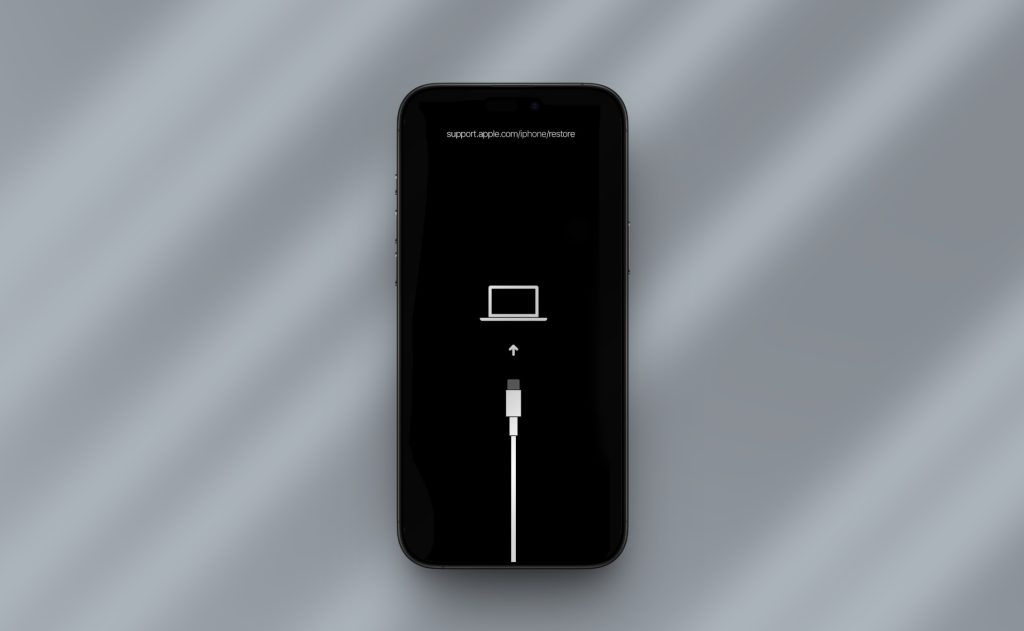
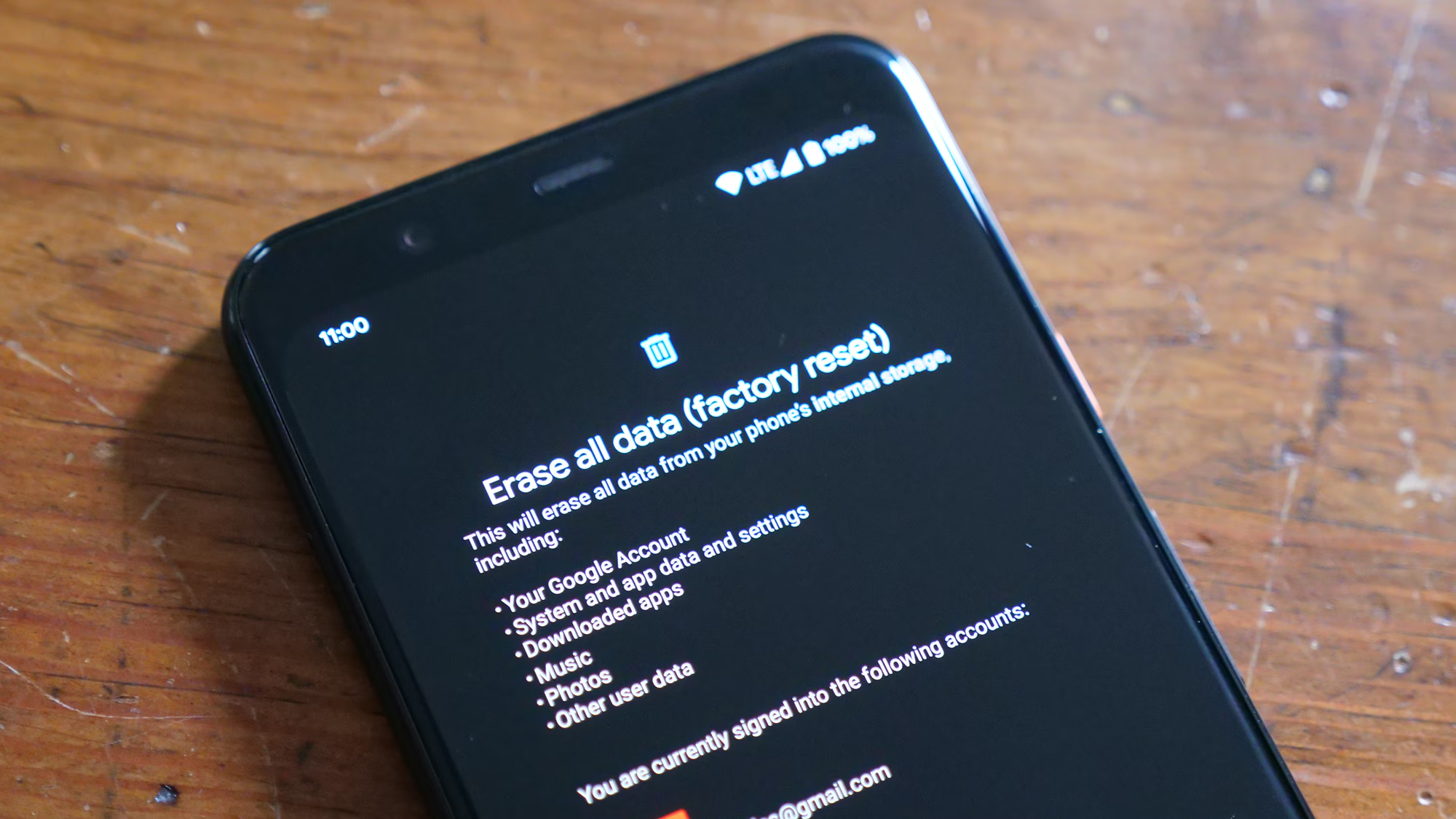
A factory reset typically wipes the encryption keys and performs a secure erase of the storage, making data recovery virtually impossible for the average user and extremely difficult even for professionals. Once a factory reset is performed, the likelihood of recovering deleted files drops to near zero.
Can water-damaged phones still have data recovered?
Yes, provided the memory chip itself is not physically destroyed. Professional data recovery services can clean the device, replace damaged components temporarily to power it on, or perform chip-off recovery to read the memory directly. Water damage complicates the process but does not automatically mean data loss.
Do cloud services keep deleted files forever?
No. Most cloud services like Google Photos, iCloud, and Dropbox have a “Recently Deleted” or “Trash” folder that retains files for a specific period, usually 30 days. After this period, the files are permanently deleted from the server and cannot be recovered through standard means.
Is professional data recovery worth the cost?
This depends on the value of the lost data. For critical legal, business, or irreplaceable personal data, the high cost of professional services may be justified. For casual photos or documents, the expense often outweighs the benefit. Professional labs offer the highest success rate for physically damaged or complex logical failures.
How does encryption affect data recovery?
Encryption makes recovery significantly harder. If the encryption key is lost or discarded upon deletion, the remaining data on the storage chip is unreadable. Modern smartphones use hardware-backed encryption, meaning that without the device passcode or the specific key, recovered data fragments are useless.
Conclusion
The quest to restore permanently deleted files from a smartphone is a journey through the complex layers of modern digital architecture. While the term “permanent” suggests an absolute end, the technical realities of flash memory and file systems offer a glimmer of hope, provided the right conditions are met. The window for recovery is narrow and fragile, heavily influenced by the user’s immediate actions, the device’s encryption status, and the extent of subsequent data usage. From the simplicity of checking a cloud trash bin to the intricacies of professional chip-off forensics, the available methods span a wide spectrum of complexity and cost.
Success in data recovery is never guaranteed, and the landscape is shifting rapidly as manufacturers prioritize security and privacy through aggressive encryption and storage management protocols like TRIM. The most valuable lesson lies not in the recovery process itself, but in the proactive measures taken to prevent data loss. A disciplined approach to backups, utilizing both local and cloud solutions, remains the only foolproof strategy against the inevitability of accidental deletion. As technology evolves, the balance between data security and recoverability will continue to tilt towards security, making the preservation of data before it is lost more critical than ever. For those facing the distress of data loss, understanding these mechanisms provides clarity, helping to navigate the available options with realistic expectations and informed decisions.