The moment a user realizes a critical photo has vanished from their iPhone gallery is often accompanied by a distinct, sinking feeling. Whether it is a once-in-a-lifetime event, an essential document, or a cherished memory of a loved one, the loss feels immediate and absolute. The instinctive reaction is to check the backup, only to remember that iCloud syncing was paused, the last computer connection was months ago, or the feature was never enabled. In this scenario, the absence of a safety net creates a high-stakes environment where every second counts. However, the deletion of a file on an iOS device is rarely an instantaneous erasure of data. Instead, it is a complex logical operation that leaves behind digital footprints, offering a window of opportunity for recovery even in the absence of a traditional backup. Understanding the mechanics of how iPhones handle data deletion is the first step toward retrieving lost images, transforming a situation of despair into a manageable technical challenge.
The Mechanics of Deletion: Why Data Isn’t Gone Immediately
To effectively recover deleted photos, one must first understand the underlying architecture of the Apple File System (APFS) used by modern iPhones. When a user taps “delete” on a photo, the operating system does not immediately scrub the binary data from the NAND flash storage. Instead, the file system simply marks the space occupied by that image as “available for overwrite.” The actual data remains intact on the physical drive until new data is written over those specific sectors. This behavior is a fundamental characteristic of flash memory management, designed to optimize write speeds and prolong the lifespan of the storage hardware. Consequently, the period between deletion and overwriting represents the critical recovery window.
The urgency of this situation cannot be overstated. Every new photo taken, every app installed, and every system update performed increases the likelihood that the operating system will utilize the “freed” space to store new information. Once the original data sectors are overwritten, the possibility of recovery drops to near zero, regardless of the software used. This is why the immediate cessation of device usage is the single most important action a user can take. Putting the iPhone in Airplane Mode prevents background processes, such as email synchronization, message downloads, and cloud photo updates, from writing new data to the drive. For a deeper technical understanding of how APFS manages file deletion and space allocation, resources like Apple’s official documentation on file systems provide invaluable insights into the logical structures that govern data persistence.
Furthermore, the encryption standards employed by iOS add a layer of complexity to data recovery. iPhones utilize hardware-based encryption where each file is tied to a unique key. When a file is “deleted,” the system may discard the key required to decrypt that specific data block, rendering the remaining binary code unreadable even if the raw data is still physically present. However, in many cases involving the “Recently Deleted” album or logical errors, the key management system retains accessibility for a specific duration. Understanding this interplay between logical deletion and physical data retention is crucial for setting realistic expectations. Users often assume that because the photo is invisible, it is destroyed; in reality, it is merely hidden behind a logical flag that sophisticated recovery methods can sometimes bypass. For more information on iOS security and data protection architectures, the Apple Platform Security guide offers a detailed breakdown of how data protection keys function during deletion events.
The First Line of Defense: The “Recently Deleted” Album
Before exploring third-party solutions or complex forensic methods, the most reliable and often overlooked resource is the iPhone’s built-in “Recently Deleted” album. Introduced as a safety mechanism against accidental deletions, this folder acts as a temporary holding pen for images and videos removed from the main library. Items placed here are retained for 30 days before the system automatically purges them permanently. In some versions of iOS, if a user manually deletes an item from this album, it is marked for immediate removal, but the 30-day window remains the standard grace period for standard deletions. Accessing this album is straightforward: users navigate to the Photos app, select the “Albums” tab, and scroll to the bottom of the list under “Utilities.”
The efficacy of this method relies entirely on the time elapsed since deletion and whether the user has manually emptied the folder. If the photo resides here, recovery is a matter of selecting the image and tapping “Recover,” which instantly restores it to the main library and any associated albums. This process is seamless and requires no external tools. However, complications arise when users unknowingly delete items from this secondary folder or when the 30-day timer expires. It is also worth noting that if iCloud Photos is enabled, deleting a photo on one device removes it from the “Recently Deleted” album on all linked devices simultaneously, synchronizing the loss across the ecosystem. For users managing multiple devices, understanding this synchronization behavior is critical. Detailed steps on managing and recovering items from this folder can be found in Apple’s support article on recovering deleted photos, which serves as the primary authoritative guide for native recovery options.
In scenarios where the “Recently Deleted” album appears empty but the deletion occurred recently, it may indicate a synchronization lag or a glitch in the local database index. Restarting the iPhone can sometimes force the Photos app to re-index the library and reveal items that were temporarily hidden due to software hiccups. Additionally, checking the album via iCloud.com on a desktop browser can provide a different view of the data, as the web interface sometimes displays items that have not yet synced correctly to the mobile device. This cross-verification method is a simple yet effective troubleshooting step that leverages the distributed nature of Apple’s cloud infrastructure. If the photo is visible on the web but not the device, downloading it directly from iCloud.com bypasses the local corruption issue entirely.
Leveraging Hidden Caches and Alternative Cloud Ecosystems
When the native “Recently Deleted” folder yields no results, the investigation must expand to hidden caches and alternative cloud services that may have captured the image independently of the user’s primary backup strategy. Many users operate under the assumption that “no backup” means no copy exists anywhere, yet modern smartphones are deeply integrated with various services that create redundant copies of media without explicit user intervention. Social media platforms, messaging applications, and email clients often cache or upload media automatically, creating potential recovery vectors that exist outside the traditional Photos app ecosystem.
Messaging applications like WhatsApp, Telegram, and Signal maintain their own internal media libraries. If the deleted photo was ever sent or received via these platforms, a copy likely resides within the app’s specific chat history or media gallery, independent of the iPhone’s main camera roll. These apps often store media in sandboxed directories that are not immediately affected by deletions in the native Photos app. Similarly, social media platforms like Instagram, Facebook, and Twitter may retain uploaded images in their “Your Activity” or archive sections. Even if the original high-resolution file was deleted from the device, the compressed version uploaded to these servers remains accessible. Exploring the “Archive” or “Trash” folders within these specific applications can yield surprising results. For instance, Instagram’s “Recently Deleted” folder within the app settings holds removed posts and stories for 30 days, mirroring the functionality of the native Photos app but operating in a siloed environment.
Email is another frequently overlooked repository. Users often email photos to themselves or others for quick sharing or printing, and these attachments remain in the “Sent” or “Received” folders indefinitely unless manually purged. Searching the email client for image attachments or specific keywords associated with the photo can retrieve a version of the file, albeit potentially at a lower resolution depending on the email provider’s compression settings. Furthermore, third-party cloud storage apps like Google Photos, Dropbox, OneDrive, or Amazon Photos often have auto-backup features enabled by default during setup. Even if the user believes they do not have a backup, these apps may have been running in the background, uploading images over Wi-Fi. Checking the “Trash” or “Bin” within these specific applications is essential, as they maintain their own deletion timelines separate from Apple’s 30-day window. Google Photos, for example, keeps deleted items in its trash for 60 days. A comprehensive guide on managing backups across these platforms can be referenced through Google Support’s documentation on restoring photos, which highlights the independence of these ecosystems from iOS native functions.
Another subtle source of recovery lies in the iPhone’s local thumbnail cache. While the full-resolution image may be deleted, the operating system generates smaller thumbnail versions for quick viewing in the grid layout. In some advanced recovery scenarios, forensic tools can extract these thumbnails from the system’s cache files. While the quality will be significantly lower than the original, a thumbnail may be sufficient for identification or certain use cases. Accessing these cache files typically requires jailbreaking or specialized forensic software, but it represents a last-resort option for extracting visual data when all other avenues are exhausted. The existence of these caches underscores the complexity of data management on mobile devices, where multiple versions of a single file can exist in different states of accessibility.
Third-Party Recovery Software: Capabilities and Limitations
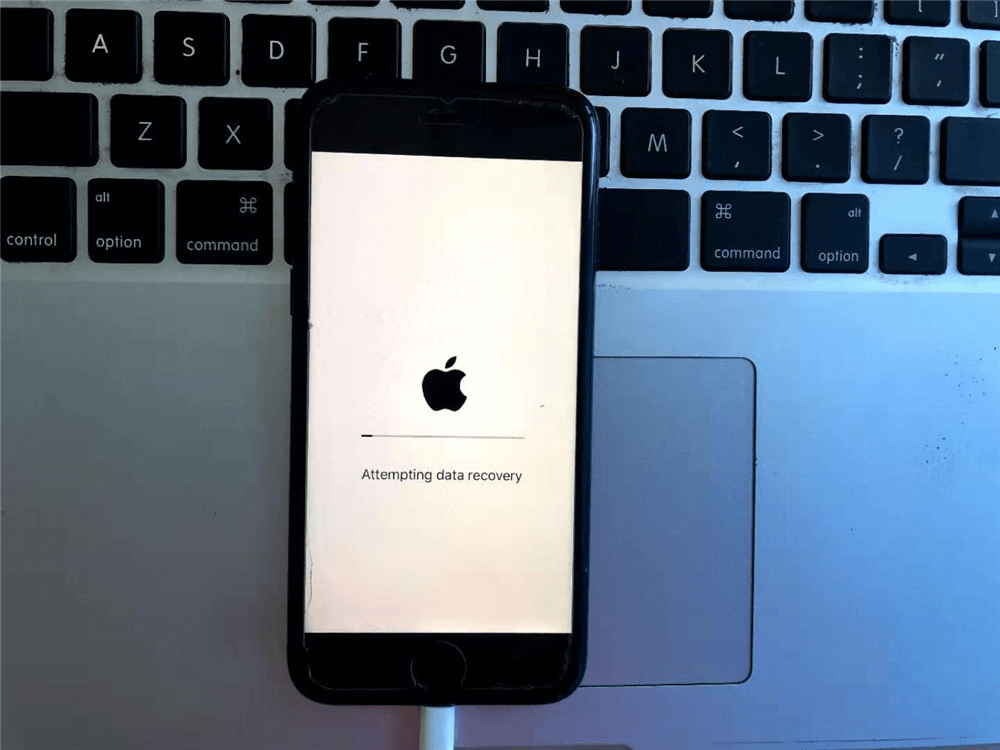
When native options and alternative caches fail to produce results, users often turn to third-party data recovery software. This category of tools promises to scan the iPhone’s storage directly, searching for remnants of deleted files that the operating system has marked as free space but not yet overwritten. The market is saturated with various applications claiming high success rates, but it is vital to approach these tools with a clear understanding of their technical limitations and the realities of iOS security. Unlike traditional hard drives where sector-level scanning is straightforward, iOS devices present significant hurdles due to their sandboxed architecture and encryption protocols.
Most reputable third-party recovery tools operate by connecting the iPhone to a computer via USB and initiating a deep scan of the device’s file system. These programs attempt to locate file headers and fragments that correspond to image formats like JPEG or HEIC. Successful recovery depends heavily on whether the data sectors have been overwritten. If the phone has been used extensively since the deletion, the success rate diminishes rapidly. Furthermore, iOS updates frequently patch vulnerabilities that recovery software might exploit, meaning a tool that worked on iOS 15 might be ineffective on iOS 17. Users should prioritize software from established vendors with transparent privacy policies and verifiable track records. Tools like Dr. Fone, Tenorshare UltData, and iMyFone D-Back are among the commonly cited options in the industry, often reviewed by tech publications for their efficacy in specific scenarios. For an unbiased evaluation of such tools, CNET’s software reviews provide comparative analysis and user feedback that can help distinguish between marketing hype and functional utility.
It is crucial to manage expectations regarding what these tools can achieve. No software can guarantee 100% recovery, especially on modern iPhones with robust encryption. Some tools require a previous iTunes or Finder backup to extract deleted data, which contradicts the “no backup” premise, while others claim direct device scanning capabilities. The direct scanning method is generally less invasive but also less powerful than analyzing a full backup file, as the live operating system restricts access to certain memory sectors. Additionally, many of these programs operate on a “freemium” model, allowing users to scan for free and preview recoverable files before requiring payment to complete the restoration. This feature is beneficial as it allows users to verify the presence of their lost photos before committing financially. However, users must be wary of scams; downloading software from unverified sources can introduce malware or compromise personal data. Always download recovery tools directly from the vendor’s official website or trusted app stores.
The effectiveness of third-party software also varies based on the type of deletion. Logical deletions (where the file index is removed but data remains) are more recoverable than physical overwrites. In cases where the file system itself is corrupted, some tools offer repair functionalities that can rebuild the database structure, potentially making “lost” photos visible again without actually recovering deleted data. This distinction is important: repairing a corrupted library is different from undeleting a file. For users dealing with corruption issues, Apple’s guide on troubleshooting Photos library issues provides foundational steps that should be attempted before resorting to paid third-party solutions, ensuring that the problem isn’t a simple software glitch resolvable through official channels.
Professional Data Recovery Services: The Last Resort
When software solutions fail and the data is of critical importance, professional data recovery services represent the final frontier. These services employ specialized hardware and forensic techniques that go far beyond the capabilities of consumer-grade software. Professional labs can perform chip-off recovery, where the NAND flash memory chip is physically removed from the iPhone’s logic board and read using dedicated hardware programmers. This method bypasses the operating system and encryption controllers entirely, allowing technicians to analyze the raw binary data on the chip. However, this process is invasive, expensive, and carries a risk of permanent damage to the device, making it a option of last resort reserved for high-value data recovery cases.
The cost of professional recovery can range from hundreds to thousands of dollars, depending on the complexity of the case and the level of physical damage involved. These services are typically utilized by enterprises or individuals facing legal or irreplaceable personal losses. The success of chip-off recovery on modern iPhones is increasingly difficult due to the integration of the storage controller with the processor and the use of complex encryption keys tied to the device’s Unique ID (UID). In many newer models, removing the storage chip renders the data unreadable because the decryption key is stored in the Secure Enclave of the main processor, not on the flash chip itself. Therefore, even physical extraction may not yield readable data without the corresponding cryptographic keys. This technological evolution has shifted the focus of professional recovery towards logical extraction methods that exploit temporary vulnerabilities or utilize authorized diagnostic modes.
Selecting a reputable data recovery firm is paramount. Users should look for companies with clean room facilities, certified technicians, and a “no data, no charge” policy. Transparency about the success probability and the specific methods to be used is a hallmark of a trustworthy provider. Avoid general computer repair shops that claim to offer data recovery; true forensic recovery requires specialized equipment and expertise. Organizations like the Data Recovery Association or similar industry bodies often list certified professionals who adhere to strict ethical and technical standards. Engaging a professional service also ensures that chain-of-custody protocols are maintained, which is essential if the recovered data is intended for legal proceedings. While the cost is prohibitive for casual users, the value of preserving critical evidence or irreplaceable memories can justify the investment.
Comparative Analysis of Recovery Methods
To assist in decision-making, the following table compares the primary methods for recovering deleted iPhone photos without a backup. This comparison evaluates each method based on success probability, cost, technical difficulty, and risk factors.
| Recovery Method | Success Probability | Cost | Technical Difficulty | Risk to Device | Best Use Case |
|---|---|---|---|---|---|
| Recently Deleted Album | High (if <30 days) | Free | None | None | Accidental recent deletions |
| Alternative Cloud/App Caches | Moderate | Free | Low | None | Photos shared via social/messaging |
| Third-Party Software | Low to Moderate | $30 – $100 | Low to Medium | Low (Software only) | Non-overwritten data, logical errors |
| Professional Forensic Service | Moderate to High* | $500 – $3,000+ | N/A (Done by Pros) | High (Invasive) | Critical data, physical damage, legal needs |
| Thumbnail Cache Extraction | Low (Low Quality) | Varies | High | High (Jailbreak required) | Identification only, last resort |
*Success depends heavily on iPhone model and iOS version due to encryption constraints.
This table illustrates that while high-tech solutions exist, the simplest methods often yield the best results if acted upon quickly. The “Recently Deleted” album remains the most effective tool for the majority of users, while professional services offer a glimmer of hope for the most desperate situations, albeit at a significant financial and physical risk to the device. Third-party software occupies a middle ground, offering a potential solution for non-technical users willing to invest a small amount, though with no guarantee of success due to iOS encryption barriers.
Preventative Measures and Future-Proofing Data
While the focus of this discussion is on recovery, the most effective strategy for data preservation is prevention. Relying on recovery methods is inherently risky and stressful; establishing a robust backup regimen eliminates the need for such measures entirely. The adage “backup your backups” holds true in the digital age. Users should enable iCloud Photos with the “Optimize iPhone Storage” setting to ensure full-resolution images are stored in the cloud while saving space on the device. Additionally, maintaining a local backup on a computer via Finder (macOS) or iTunes (Windows) provides a secondary layer of protection that is immune to cloud account lockouts or internet outages.
Automating the backup process is key to consistency. Setting up scheduled backups ensures that the latest photos are always protected without requiring manual intervention. For users concerned about privacy, encrypted local backups offer a secure alternative to cloud storage, keeping data under personal control. It is also advisable to periodically verify backup integrity by restoring a few files to ensure the backup process is functioning correctly. Diversifying storage locations—using a combination of cloud services, external hard drives, and network-attached storage (NAS)—creates a resilient data ecosystem that can withstand hardware failures, theft, or accidental deletion. Resources like the National Archives’ guidelines on digital preservation offer broader principles on data longevity that apply to personal photo archives as well.
Educating oneself on the behavior of the iOS file system can also prevent unnecessary data loss. Understanding that “deleting” from the “Recently Deleted” folder is a permanent action, or that turning off iCloud Photos can lead to local-only storage risks, empowers users to make informed decisions. Regularly reviewing storage settings and ensuring that auto-upload features in third-party apps are configured correctly adds another safety net. The goal is to create a passive safety system where data protection happens in the background, minimizing the reliance on reactive recovery measures.
Frequently Asked Questions
Q: Can I recover photos deleted from the “Recently Deleted” folder after 30 days?
A: Once photos are removed from the “Recently Deleted” folder or the 30-day retention period expires, they are logically erased from the file system index. While the raw data might theoretically remain on the flash storage until overwritten, iOS encryption mechanisms often render this data inaccessible by discarding the decryption keys. Recovery at this stage is extremely difficult and usually requires professional forensic services, with no guarantee of success.
Q: Does putting my iPhone in Airplane Mode actually help recover photos?
A: Yes, immediately switching to Airplane Mode is a critical first step. It halts all incoming and outgoing data transmission, preventing the operating system from syncing changes, downloading new emails, or updating apps. These background activities write new data to the storage drive, which could overwrite the sectors containing the deleted photos. Minimizing write operations preserves the integrity of the deleted data for potential recovery.
Q: Are free third-party recovery tools safe and effective?
A: Most “free” recovery tools are limited in functionality, often allowing only a scan and preview while requiring payment to actually restore the files. Regarding safety, tools from reputable vendors are generally safe, but downloading cracked or unknown software poses significant security risks, including malware and data theft. It is essential to research the vendor and read independent reviews before installing any recovery software on a computer connected to personal devices.
Q: Can a factory reset help recover deleted photos?
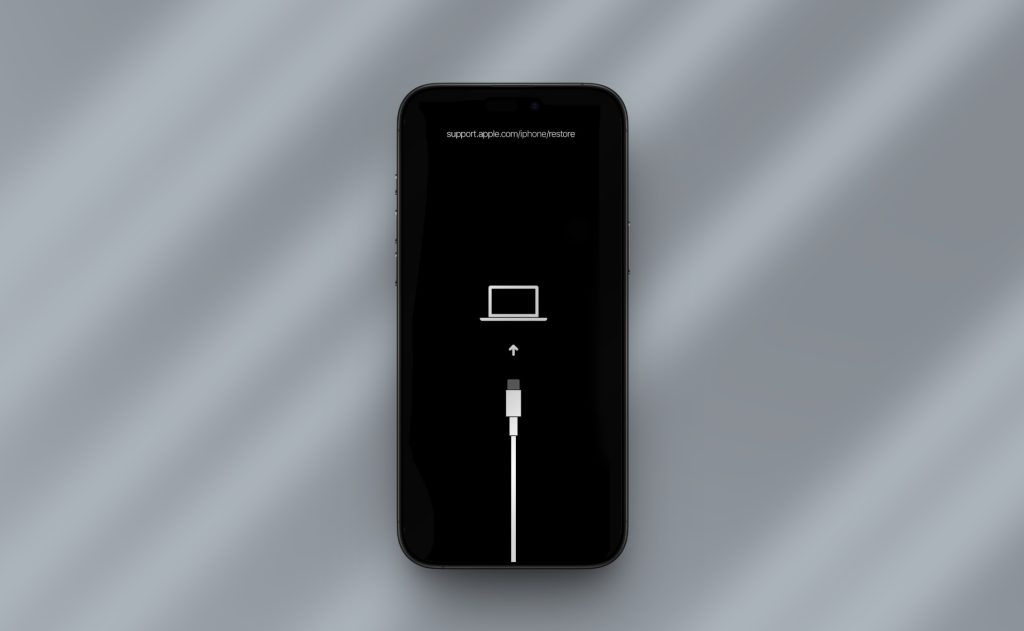
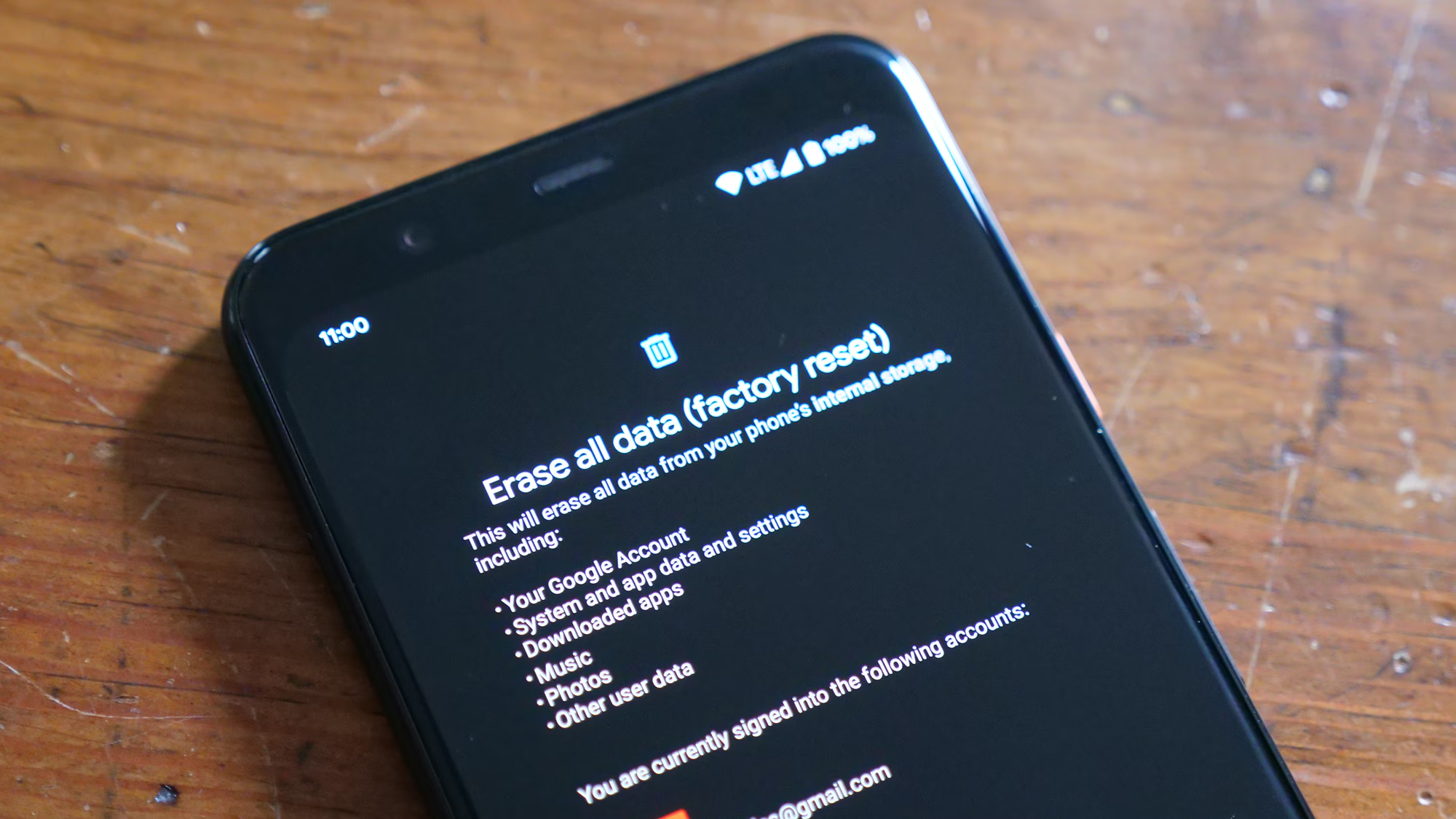
A: No, performing a factory reset will almost certainly make recovery impossible. A reset wipes the encryption keys and overwrites the file system structure, effectively destroying any remnants of deleted data. If photos are lost, the device should never be reset or restored to factory settings until all recovery attempts have been exhausted.
Q: Is it possible to recover photos from a broken iPhone screen?
A: If the iPhone’s internal components are functional but the screen is broken, data recovery is possible. Connecting the device to a trusted computer that has previously synced with the iPhone may allow access to the file system for backup or recovery. If the device has never been trusted with that computer, the broken screen prevents the user from entering the passcode to authorize the connection, complicating the process. In such cases, repairing the screen or seeking professional data extraction services is necessary.
Q: Do screenshots of deleted photos count as recovery?
A: While not a recovery of the original high-resolution file, screenshots or cached thumbnails can serve as a substitute if the original is unrecoverable. Checking the “Screenshots” album or searching through message threads where the image might have been shared can provide a lower-resolution version. This is often a practical workaround when forensic recovery is not feasible.
Q: How does iCloud Photos synchronization affect deletion?
A: With iCloud Photos enabled, deletions are synchronized across all devices linked to the same Apple ID. Deleting a photo on an iPhone removes it from the iPad, Mac, and iCloud.com simultaneously. However, the “Recently Deleted” album is also synchronized, meaning the 30-day recovery window applies globally. If the photo is deleted from the “Recently Deleted” folder on one device, it is purged from all devices immediately.
Conclusion
The loss of photos on an iPhone without a backup is a daunting scenario, but it is not always a definitive end. The architecture of modern mobile operating systems, combined with the pervasive nature of cloud connectivity and application caching, creates multiple potential avenues for data retrieval. From the simplicity of the “Recently Deleted” album to the complexities of professional forensic extraction, the spectrum of recovery options offers hope for various situations. The critical factor in any recovery attempt is time; the sooner action is taken to halt device usage and explore available resources, the higher the probability of success.
Users must approach the recovery process with a blend of caution and determination. While third-party tools and professional services offer advanced capabilities, they come with limitations imposed by iOS security and encryption. Managing expectations is essential; not every deleted photo can be recovered, especially if significant time has passed or if the storage sectors have been overwritten. However, by systematically checking native folders, alternative cloud caches, and employing reputable software, many users can successfully retrieve their lost memories. Ultimately, this experience serves as a powerful reminder of the fragility of digital data and the indispensable value of a proactive, multi-layered backup strategy. Investing time in setting up automated backups today prevents the heartache of potential loss tomorrow, ensuring that precious moments remain preserved regardless of technical glitches or human error.